Post-processing
RAW or JPEG: Which Format to Choose in Photography?
RAW and JPEG are not two versions of the same file. They represent two opposing philosophies. This guide explains what each format contains, what it costs in practice, and which to choose according to your real usage.
What the Sensor Actually Produces
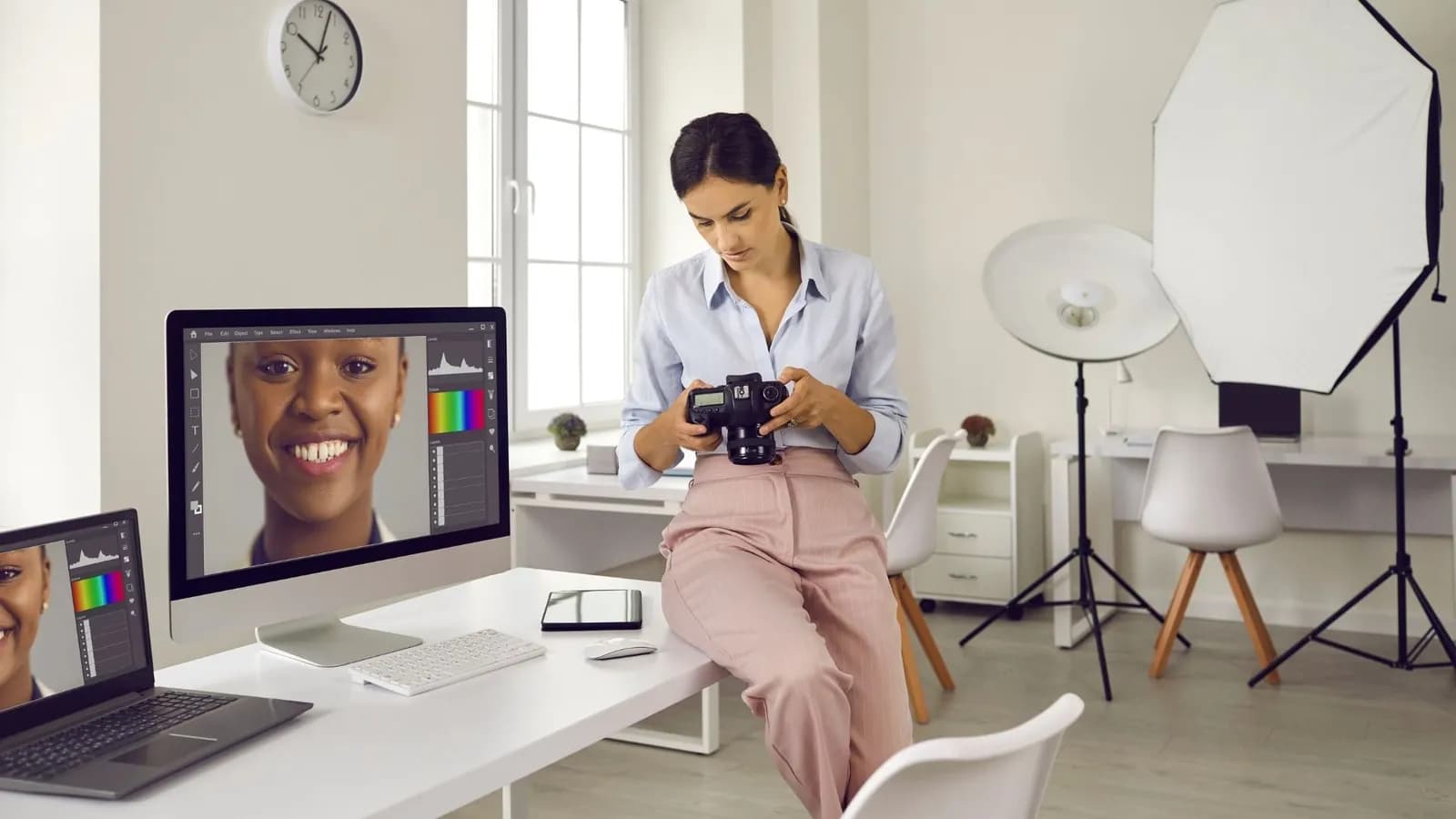
Before choosing a format, you must understand what the camera does with the captured light. The difference between RAW and JPEG begins inside the camera, not in your software.
When you press the shutter, the sensor records a light intensity value for each photosite. These raw data are analogue. The camera’s image processor converts them into a digital signal. From there, two paths diverge.
In RAW, the camera keeps these data almost intact. It applies minimal demosaicing, stores shooting metadata (white balance, colour profile, noise reduction), but does not bake them into the file. These parameters remain adjustable to the decimal point in post-processing.
In JPEG, the processor immediately applies all these settings, compresses the result with irreversible loss, and discards the raw data. What you get is a ready-to-use file, but one that is fixed.
The RAW Format: Raw Data, Total Control
RAW is not a single standardised format. Each manufacturer has its own: .CR3 for Canon, .NEF for Nikon, .ARW for Sony, .RAF for Fujifilm, .RW2 for Panasonic. All share the same logic.
What Bit Depth Changes in Practice
An 8-bit file per channel encodes 256 levels of brightness per channel (red, green, blue). A 14-bit file encodes 16 384. This difference is not cosmetic: it determines how many tonal transitions you can recover in highlights and shadows without banding (posterisation).
In practice, a 14-bit RAW gives you typically 3 to 5 EV of additional latitude in exposure recovery, depending on the sensor. On a Sony A7R V or Nikon Z8, independent measurements (Photons to Photos, Bill Claff) show a dynamic range of 14 to 15 EV at native ISO 100. A JPEG from the same camera tops out at 8 to 9 EV usable, the rest having been clipped or compressed during internal processing.
RAW Compression: Lossless, Lossy, Compressed
Not all RAW files are identical in size. Manufacturers often offer several variants. On Sony, an uncompressed RAW from an A7 IV (33 MP) weighs around 60 MB per file. Lossless compressed RAW drops to 35-40 MB with no data loss. Lossy compressed RAW falls to 20-25 MB but sacrifices high-frequency spatial data. This last point is rarely highlighted in camera menus: check what you enable.
The JPEG Format: Immediate Efficiency, Reduced Latitude
JPEG (Joint Photographic Experts Group) has existed since 1992. It remains the universal format of digital photography. Its strength is also its limit.
The JPEG produced by your camera is the result of an automatic processing chain: demosaicing, white balance, contrast curve, saturation, noise reduction, sharpening, then compression. All these parameters are applied according to the selected picture profile (Standard, Vivid, Neutral, Faithful, etc.).
What the Camera Decides for You
When you shoot JPEG, the image processor makes choices. It decides where to place the white point, how to handle high-ISO noise, which tonal curve to apply. These choices are often good on recent cameras. Fujifilm in particular is renowned for the quality of its film simulations in JPEG. But they are fixed. An incorrect white balance in JPEG costs colour information that is permanently lost.
JPEG file size varies according to the quality setting and scene complexity. A high-quality JPEG from a 24-megapixel camera typically weighs 8 to 12 MB. The same file in uncompressed RAW reaches 25 to 35 MB. The ratio is generally 3:1 to 5:1 in favour of JPEG.
RAW vs JPEG: Direct Comparison
The differences are not abstract. They translate into concrete constraints on your storage, working speed and correction margin.
RAW
Raw data, mandatory processing
- 12 or 14 bits per channel, maximum latitude
- 3 to 5 EV of additional recovery
- White balance, colour profile: adjustable without loss
- Size: 25 to 100 MB depending on camera and resolution
- Requires dedicated software (Lightroom, Capture One, DxO)
- Slows buffer in burst (larger volume)
JPEG
Ready-to-use image, irreversible compression
- 8 bits per channel, reduced dynamic range
- Exposure correction limited to ±1 to 1.5 EV without degradation
- White balance fixed at capture
- Size: 3 to 15 MB depending on resolution and quality
- Natively readable on any device, instantly shareable
- Faster buffer, longer bursts
| Criterion | RAW | JPEG |
|---|---|---|
| Bit Depth | 12-14 bits/channel | 8 bits/channel |
| Usable Dynamic Range | 14-15 EV (ISO 100, recent sensors) | 8-9 EV |
| Average Size (24 MP) | 25-35 MB | 8-12 MB |
| White Balance | Adjustable without loss | Fixed |
| Noise Reduction | Controlled in post | Applied by camera |
| Universal Compatibility | No (proprietary) | Yes |
| Software Required | Yes | No |
| Highlight Recovery | 3-5 EV depending on sensor | 0.5-1 EV maximum |
Why Choose RAW: Cases Where It Is Essential
RAW is not always necessary. But in certain situations, the absence of RAW latitude costs you images that are permanently lost.
Difficult Light and Extended Dynamic Range
In landscape photography, the difference between a blown sky and a recoverable sky often comes down to 2 to 3 EV of latitude in the highlights. A RAW from a modern sensor gives you this margin. I regularly photograph sunsets in Brittany with brightness differences of 8 to 10 EV between sky and foreground. Without RAW, the choice is to expose for the sky (black foreground) or the ground (white sky). With a well-exposed RAW, both zones are recoverable in post-processing.
Uncertain White Balance
In mixed indoor lighting (artificial and natural), auto white balance can fluctuate from frame to frame. In RAW, correcting white balance after the fact costs no data: you simply move the colour temperature slider. In JPEG, a correction of 500 K to 1000 K produces colour casts and loss of detail in skin tones.
High-ISO Photography
Noise reduction applied by the camera in JPEG is aggressive. It smooths fine detail to mask chroma noise. In RAW, you choose the noise/detail compromise yourself, using tools such as Lightroom’s AI noise reduction, DxO DeepPRIME or Topaz DeNoise AI. These tools systematically outperform the camera’s internal processing on images at ISO 3200 and above.
Professional Photography and Archiving
If your images have commercial value or must be archived long-term, RAW is the only format that preserves all original data. Processing algorithms evolve. A RAW captured today can be reworked with better tools in ten years. A JPEG cannot.
Why Choose JPEG: Cases Where It Is Sufficient
JPEG has a poor reputation in photography forums. It is often unjustified. In several contexts, JPEG is not only sufficient but objectively more suitable.
Photojournalism and Fast Transmission
News agencies work in JPEG. The reason is simple: an 8 MB file transmits in seconds from the field. A 35 MB RAW takes four times longer. On a sports event or field reportage, transmission speed takes precedence over retouching latitude. Press photographers calibrate exposure and white balance at capture. JPEG is their working format.
Long Bursts and Buffer
In sport and wildlife, the length of burst before buffer saturation is critical. A camera that holds 200 JPEGs in continuous burst may only manage 50 to 80 RAW under the same conditions. JPEG allows longer bursts and a faster-clearing buffer. On a camera such as the Sony A9 III, RAW specs in electronic burst are excellent, but JPEG remains more permissive on duration.
Film Simulations and Controlled In-Camera Rendering
Fujifilm has built part of its reputation on the quality of its film simulations in JPEG: Velvia, Provia, Classic Chrome, Eterna. These profiles are developed from the original silver-halide emulsions. For many Fujifilm photographers, the JPEG straight from the camera is their final rendering. Retouching a Fujifilm RAW to exactly reproduce a film simulation takes time and specific tools. The in-camera JPEG is often more faithful.
Storage and Volume Management
A two-week trip with a 45-megapixel camera easily produces 5 000 to 8 000 images. In RAW that represents 250 to 400 GB of data. In high-quality JPEG, 50 to 80 GB. The difference is concrete: number of memory cards, disk space, backup time, cloud storage cost. If your use is personal and your exposure is controlled, JPEG reduces the logistical load without sacrificing visible quality on screen or in standard prints.
Test the Fujifilm X-T50: 40 MP and Film Simulations in JPEGThe X-T50 is one of the cameras where the in-camera JPEG most often justifies not touching RAW.RAW + JPEG Simultaneous: The Middle Ground
Most current cameras allow recording both formats at the same time. It is a useful option, but it has a cost.
In RAW + JPEG mode, the camera writes two files per shutter release. You have the JPEG for quick selection and the RAW for images you wish to edit. This is the workflow of many wedding and event photographers: cull on JPEG, final export from RAW.
The drawbacks are real. Data volume doubles. The buffer fills faster. On a dual-slot body you can assign RAW to the primary card (CFexpress, XQD) and JPEG to the secondary (SD). On a single-slot body both formats share the same card: the buffer saturates earlier.
RAW + JPEG mode is relevant in two precise cases: you are starting out and want to compare in-camera rendering with your edits, or you work in events and must deliver previews quickly while keeping originals. In all other cases, choose one format and master it.
The RAW Workflow: What It Really Involves
Choosing RAW means choosing a workflow. This has concrete requirements in hardware, software and time.
RAW Development Software
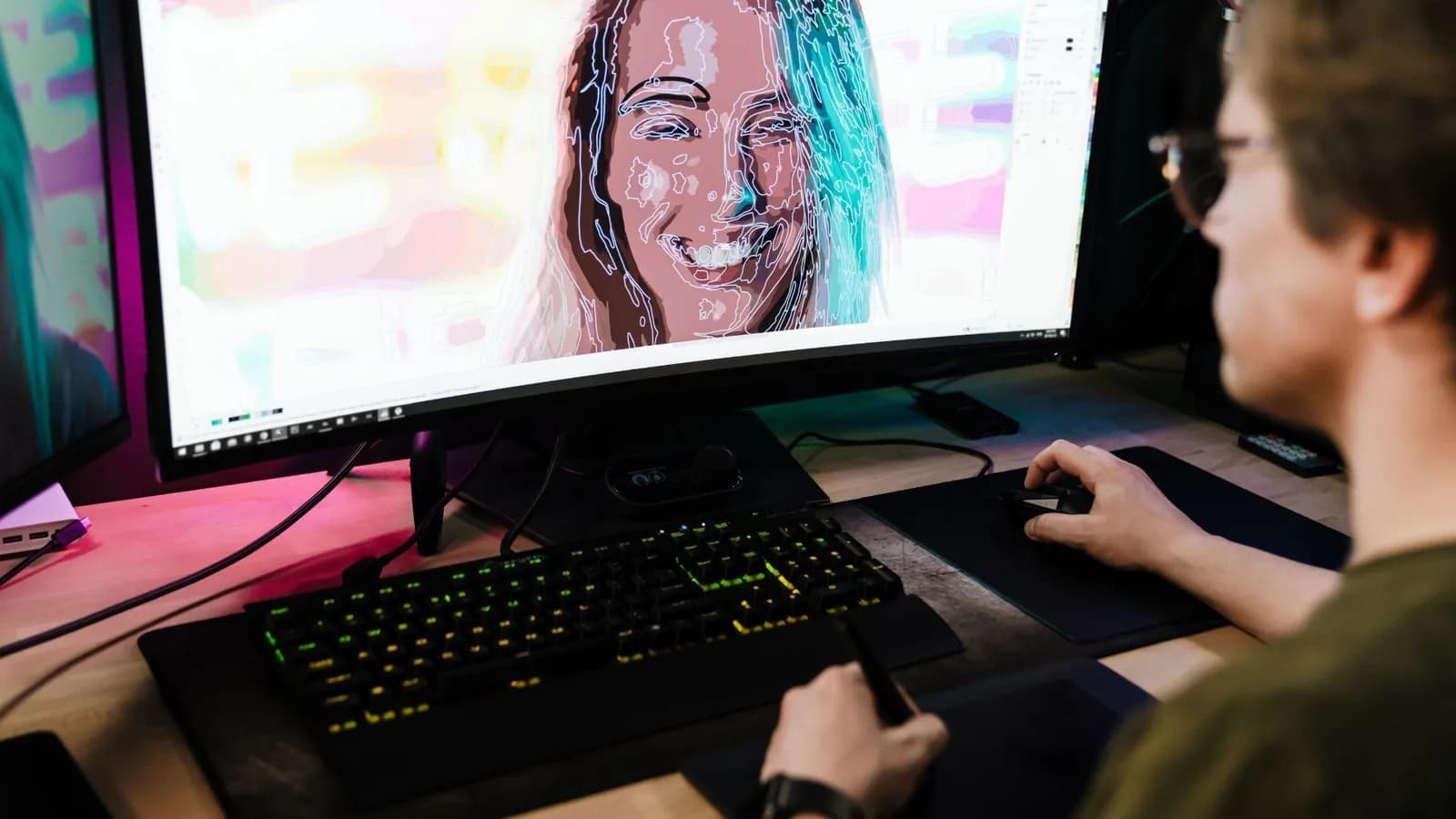
A RAW file does not open natively in a browser or most viewers. Dedicated development software is required. The main options in 2026:
- Adobe Lightroom Classic / Lightroom: market reference, monthly subscription, universal RAW support.
- Capture One: superior colour rendering according to many photographers, subscription or perpetual licence.
- DxO PhotoLab: DeepPRIME noise reduction recognised as best-in-class by DPReview and DXOMark.
- Darktable: open source, free, steep learning curve.
- Manufacturer software (Canon DPP, Nikon NX Studio, Sony Imaging Edge): free, faithful to camera rendering, limited features.
Steps of a Minimal RAW Development
- 1
Import and Organisation
Import your RAWs into your software. Rename files and apply keywords if needed. This step is identical for JPEG.
- 2
Exposure and White Balance Correction
Adjust global exposure, recover highlights, lift shadows. Correct white balance if necessary. These corrections are non-destructive in RAW.
- 3
Colour Management
Apply a colour profile or film simulation. Adjust saturation, vibrance, per-channel curves if required.
- 4
Noise Reduction and Sharpening
Apply noise reduction suited to the capture ISO. Add output sharpening according to destination (screen, print).
- 5
Export
Export as JPEG (sharing, client delivery) or 16-bit TIFF (high-quality printing, archived retouched version). The original RAW remains untouched.
This workflow takes between 2 and 5 minutes per image for careful processing. On a volume of 500 images, that is 16 to 40 hours of post-processing. RAW is a time commitment. Evaluate it honestly before adopting it systematically.
Which Format to Choose According to Your Use
The question is not “RAW or JPEG in general”. It is “RAW or JPEG for what I photograph”. The answer varies according to subject, conditions and your workflow.
| Use | Recommended Format | Main Reason |
|---|---|---|
| Landscape, Architecture | RAW | Extended dynamic range, highlight recovery |
| Studio Portrait | RAW | Precise colour correction, exposure latitude |
| Wedding, Event | RAW + JPEG | Fast delivery + complete archive |
| Sport, Wildlife | JPEG or RAW depending on buffer | Long bursts, critical buffer |
| Photojournalism | JPEG | Fast transmission, controlled exposure |
| Casual Travel | High-quality JPEG | Volume, storage, instant sharing |
| Photographic Travel | RAW | Variable conditions, careful post-processing |
| Fujifilm Film Simulations | JPEG | In-camera rendering often superior to retouched RAW |
| Astrophotography | RAW | Stacking, recovery of weak signal |
| Beginner Learning | RAW + JPEG | Compare in-camera rendering and personal edits |
Find the Camera Suited to Your UseFormat choice also depends on the camera: JPEG quality, RAW buffer, dual slot.The best format is the one you master sufficiently to exploit its latitude. A poorly exposed and poorly developed RAW produces an inferior image to a well-exposed JPEG.
Teddy, camera-duel.com
Common Mistakes to Avoid
Most format-related mistakes stem from a poor understanding of what each format can or cannot correct.
Believing RAW Corrects Everything
RAW does not save a blurred image, a missed focus or a poorly framed subject. It offers latitude on exposure (within sensor limits), colour and noise. An overexposure of 4 EV on a sensor whose maximum dynamic range is 14 EV remains unrecoverable in RAW. The rule remains: expose correctly at capture, whatever the format.
Compressing a JPEG Multiple Times
Every save of a JPEG applies a new lossy compression. Opening a JPEG, editing it slightly and saving as JPEG degrades the image with each cycle. After 3 to 5 cycles, degradation becomes visible, especially in gradients and fine detail. If you work on a JPEG, export as TIFF for intermediate steps.
Ignoring the Picture Profile in JPEG
The picture profile selected on the camera (Standard, Vivid, Neutral, etc.) directly determines the JPEG rendering. A Vivid profile with saturation at +3 produces colours that are difficult to correct without loss. If you shoot JPEG, configure your picture profile carefully. The Neutral or Faithful profile generally offers more correction headroom.
Adopting RAW Without a Defined Workflow
Switching to RAW without development software or a sorting method means accumulating large files without exploiting their value. Before moving to RAW, define your software, folder structure and export flow. Without this, RAW becomes a burden without benefit.
The Verdict: RAW by Default, JPEG When Justified
The question does not call for a nuanced answer. It calls for a clear recommendation, with exceptions well defined.
Shoot RAW if you have time to develop your images and if your subjects involve variable lighting conditions. This applies to landscape, portrait, photographic travel, architecture and astrophotography. The extra latitude of RAW is worth the cost in storage and processing time.
Shoot JPEG if transmission speed, burst duration or data volume takes precedence over retouching latitude. This applies to photojournalism, intensive sport, mastered Fujifilm film simulations, and personal photography where instant sharing is the priority.
Use RAW + JPEG mode if you are in transition or if your event workflow requires both. But anticipate the storage cost and impact on the buffer.
Compare Two Cameras on RAW and JPEG QualitySome cameras produce markedly better JPEGs than others. The comparator lets you compare the specs that matter.Frequently asked questions
Is RAW always higher quality than JPEG?▾
In terms of raw data, yes. A RAW contains 12 to 14 bits per channel versus 8 bits for a JPEG, and preserves a dynamic range of 14 to 15 EV versus 8 to 9 EV for JPEG. But final quality depends on development. A poorly developed RAW produces an inferior image to a well-exposed JPEG from a camera whose colour profiles are well calibrated. RAW quality is a potential, not an automatic guarantee.
Can You Convert a JPEG to RAW?▾
No. A JPEG cannot be converted into a RAW. Data discarded during JPEG compression are permanently lost. Some software offers to open a JPEG as a RAW file (Lightroom does so technically), but this does not restore missing information. The reverse conversion, RAW to JPEG, is irreversible and common.
Which Software to Use for Developing RAW Files?▾
The main options in 2026 are Adobe Lightroom (subscription, universal support), Capture One (subscription or perpetual licence, recognised colour rendering), DxO PhotoLab (reference DeepPRIME noise reduction), and Darktable (free, open source). Manufacturer software (Canon DPP, Nikon NX Studio, Sony Imaging Edge) is free and faithful to camera rendering, but less complete. Choice depends on your volume, budget and the importance you place on colour rendering.
Does RAW Really Slow Burst Shooting?▾
Yes, in most cases. An uncompressed RAW file is 3 to 5 times larger than a high-quality JPEG. The camera buffer therefore fills faster. On a camera such as the Sony A9 III, JPEG burst can hold several hundred images continuously, whereas uncompressed RAW saturates the buffer after 50 to 80 images depending on the memory card. Lossless compressed RAW is a good compromise: it reduces size without sacrificing data.
Should You Shoot RAW When Starting Photography?▾
Not necessarily. Starting in RAW without mastering exposure and white balance at capture creates a dependence on post-processing that can mask technical shortcomings. The ideal for a beginner is to shoot RAW + JPEG: JPEG allows immediate evaluation of rendering, RAW allows correction of errors and learning to develop. Once exposure is mastered, the choice between RAW only and JPEG only becomes clearer according to use.
Is Fujifilm JPEG Really Worth RAW?▾
For film simulations (Velvia, Classic Chrome, Eterna, Acros), Fujifilm JPEG is often superior to a manually retouched RAW for reproducing the same rendering. The profiles are developed from the original emulsions and integrated directly into the image processor. However, in difficult light or high-contrast conditions, Fujifilm RAW offers the same latitude as other APS-C sensors. Choice depends on your priority: immediate colorimetric rendering or correction latitude.
Read next
Best Camera for Vlogging: The Guide to Choosing Without Mistakes in 2026
8 bodies compared on their video score, field strengths and deal-breakers. A factual guide to choosing the right vlogging camera for your real usage.
Best value camera: the guide to choosing without mistakes in 2026
Six bodies, three sensor formats, one goal: find the camera that matches your use without paying for unnecessary specs. Structured comparison, clear verdicts.
Understanding Focal Length in Photography: Definition, Effects and Practical Choice
Focal length determines the angle of view, perspective compression and depth of field. This guide explains each effect with precise figures, from wide angle to telephoto, full-frame or APS-C sensor.